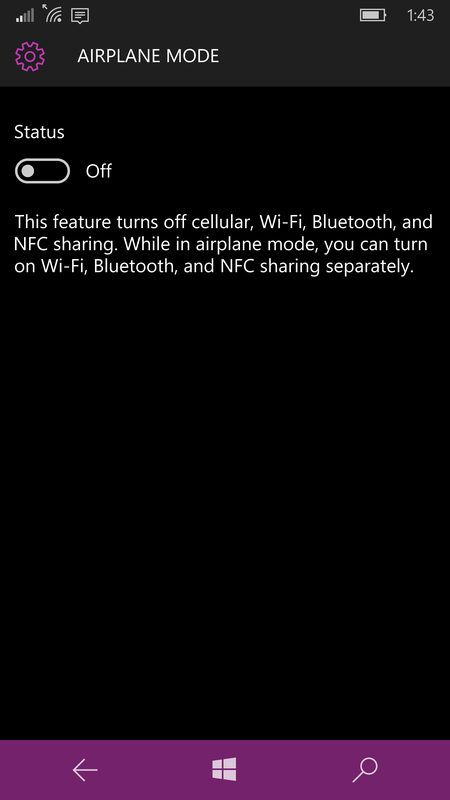
Yes. Airplane mode saves battery by turning off the device’s cellular radio and, on most phones, Wi-Fi and Bluetooth as well, so the phone stops searching for towers and networks. Apple notes that searching for a Wi-Fi or cellular signal—or using the phone in a low-signal area—can drain the battery, and it recommends enabling Airplane Mode when you know you will be without coverage for a while.
The biggest savings usually come when signal is weak or missing. In those conditions the modem keeps raising transmit power and rescanning bands; airplane mode stops that work. With a strong signal and little radio use, the benefit is smaller. Airplane mode does not reduce power used by the screen or by apps you keep using offline, and turning Wi-Fi back on in airplane mode (common on flights) can erase much of the radio saving.
Apple also states that turning on Airplane Mode can help save battery on iPhone and related devices, in addition to meeting airline rules and limiting roaming.
Source: Apple Support, “If the battery in your iPhone or iPad drains too quickly”; Apple Support, “Use Airplane Mode on your iPhone, iPad, Apple Watch, and Apple Vision Pro”.
Image: Airplane mode setting on Windows 10 Mobile; screenshot of Microsoft software, public domain, via Wikimedia Commons.