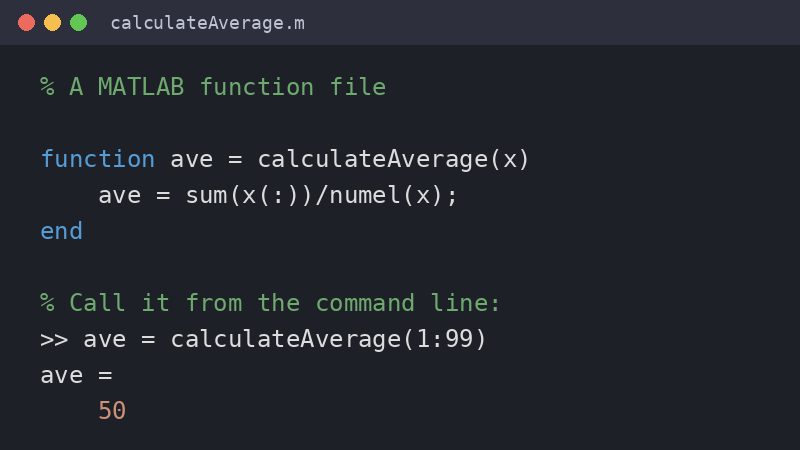
In MATLAB, a function is a named block of code that accepts inputs, runs a set of commands, and returns outputs, so the same task can be reused without retyping it. According to MathWorks, you declare one with a line such as function [y1,...,yN] = myfun(x1,...,xM), which must be the first executable line of the function; with a single output the brackets are optional, and with no outputs you leave out the equal sign.
Functions can be saved in a function file, whose name must match the first function in the file, or added as local functions inside a script file. Since release R2024a, local functions can be placed anywhere in a script, and the end keyword marks where each function stops.
Source: MathWorks: function, declare function name, inputs, and outputs
Image: example function code, based on the MathWorks documentation example, created by FreeAnswers.