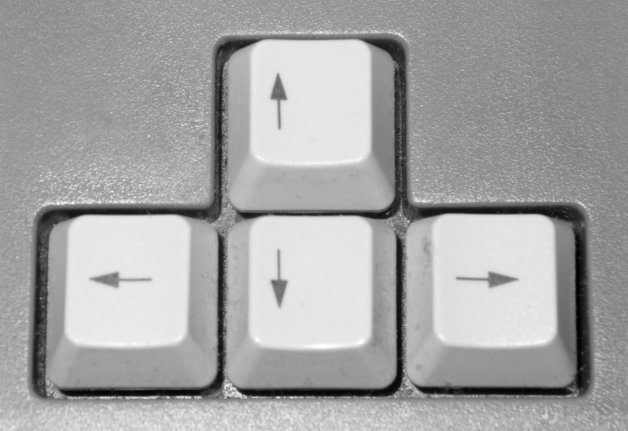
Cursor control keys are the keyboard keys that move the text cursor or scroll the view instead of typing characters. The core set is the four arrow keys (Up, Down, Left, and Right), usually arranged in an inverted T at the lower right of the keyboard, and the wider group also includes Home, End, Page Up, and Page Down.
In a text editor or word processor, the arrow keys move the cursor one character or one line at a time, Home and End jump to the start or end of a line, and Page Up and Page Down move a screen at a time. In web browsers and file viewers the same keys are generally used for scrolling. The modern arrow-key layout was set by Digital Equipment Corporation’s LK201 keyboard in 1982 and later became the industry standard.
Source: Wikipedia: Arrow keys
Image: Arrow keys of a PC keyboard by Lars H. Rohwedder, public domain, via Wikimedia Commons.